Category: A+ Core 2 (220-1202)
The CompTIA A+ Core 2 (220-1202) examination tests the practical, day-to-day software and administrative skills required of modern technical support specialists. Entry-level and transitioning IT professionals must manage diverse client environments—including Windows, macOS, Linux, ChromeOS, and mobile operating systems—while defending systems against malware and adhering to strict change management protocols.
This category delivers structured study resources, practical walkthroughs, and performance-based question (PBQ) review material mapped directly to Core 2 exam domains. Explore step-by-step operating system recovery guides, command-line interface (CLI) cheat sheets, malware remediation procedures, and scripting basics to ensure you pass your exam and excel in operational support roles.
-

How to Pass CompTIA A+ Core 2 (220-1202) – Low Stress Approach
How to Pass CompTIA A+ Core 2 (220-1202) with minimal anxiety, imagine sitting at your new IT helpdesk. A user walks up with a blank laptop screen, an executive complains of a frozen presentation, and a server alert flags a potential malware outbreak. Conquering this exam is about knowing exactly how to handle these high-pressure…
-
Lab: Virtual PC Build Simulator
Configure and assemble a modern workstation by integrating critical subsystems—compute, memory, storage, and power delivery—while adhering strictly to hardware safety protocols. This guide documents the exact mechanical and architectural procedures required to populate an AM5 motherboard, integrate it into a chassis, and successfully execute the initial boot sequence.
-
How to Pass CompTIA A+ Core 1 (220-1201) to Kickstart Your IT Career
The CompTIA A+ Core 1 (220-1201) certification builds the base skills you need to build, connect, and fix modern computer systems. IT technicians use these skills to link hardware, set up virtual servers, and keep networks running securely.
-
Lab: Packet Sniffing with Wireshark
Network technicians use protocol analyzers like Wireshark to capture, inspect, and troubleshoot network traffic in real time. This lab demonstrates how to capture packets on a primary network interface, apply display filters to isolate File Transfer Protocol (FTP) traffic, and reconstruct TCP streams to identify unencrypted credentials.
-
How to Pass CompTIA Network+ (N10-009): Conquer Your Exam and Elevate Your Career
Aspiring network engineers, system administrators, and helpdesk specialists take the CompTIA Network+ (N10-009) exam. This test proves their ability to manage and secure enterprise networks. This completionist guide acts as your definitive roadmap. It strips away technical fluff to explain exactly how modern networking works. Use this guide to pass your exam and launch a…
-
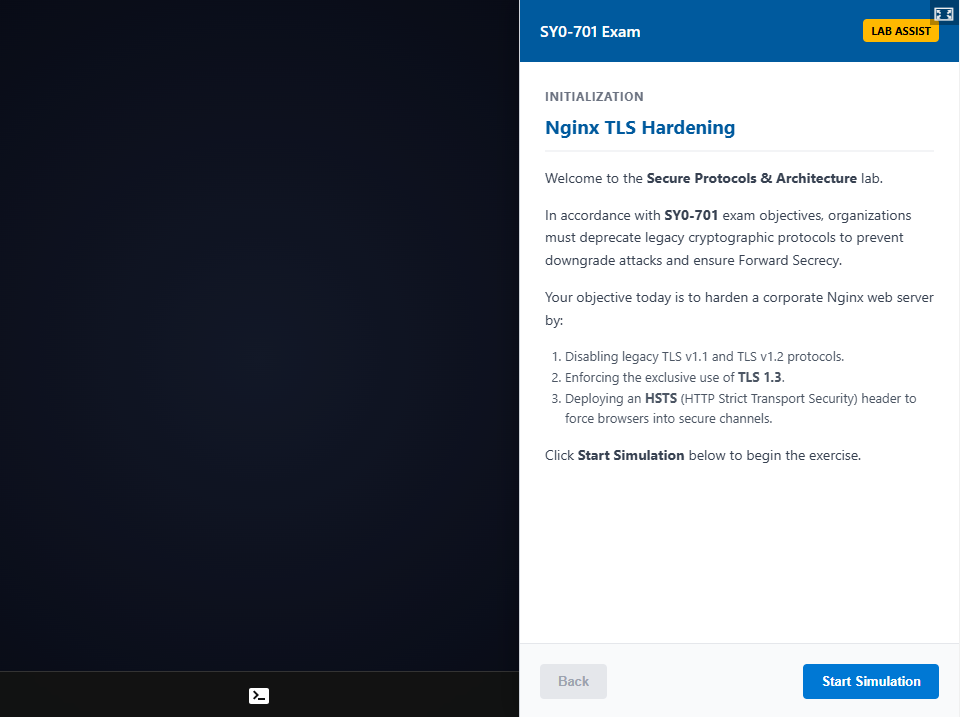
Lab: Hardening an Nginx Server for TLS 1.3
Nginx server hardening secures web infrastructure by deprecating legacy cryptographic protocols and forcing encrypted communication channels. Implementing Transport Layer Security (TLS) 1.3 and HTTP Strict Transport Security (HSTS) prevents downgrade attacks and ensures data confidentiality between clients and servers.
-
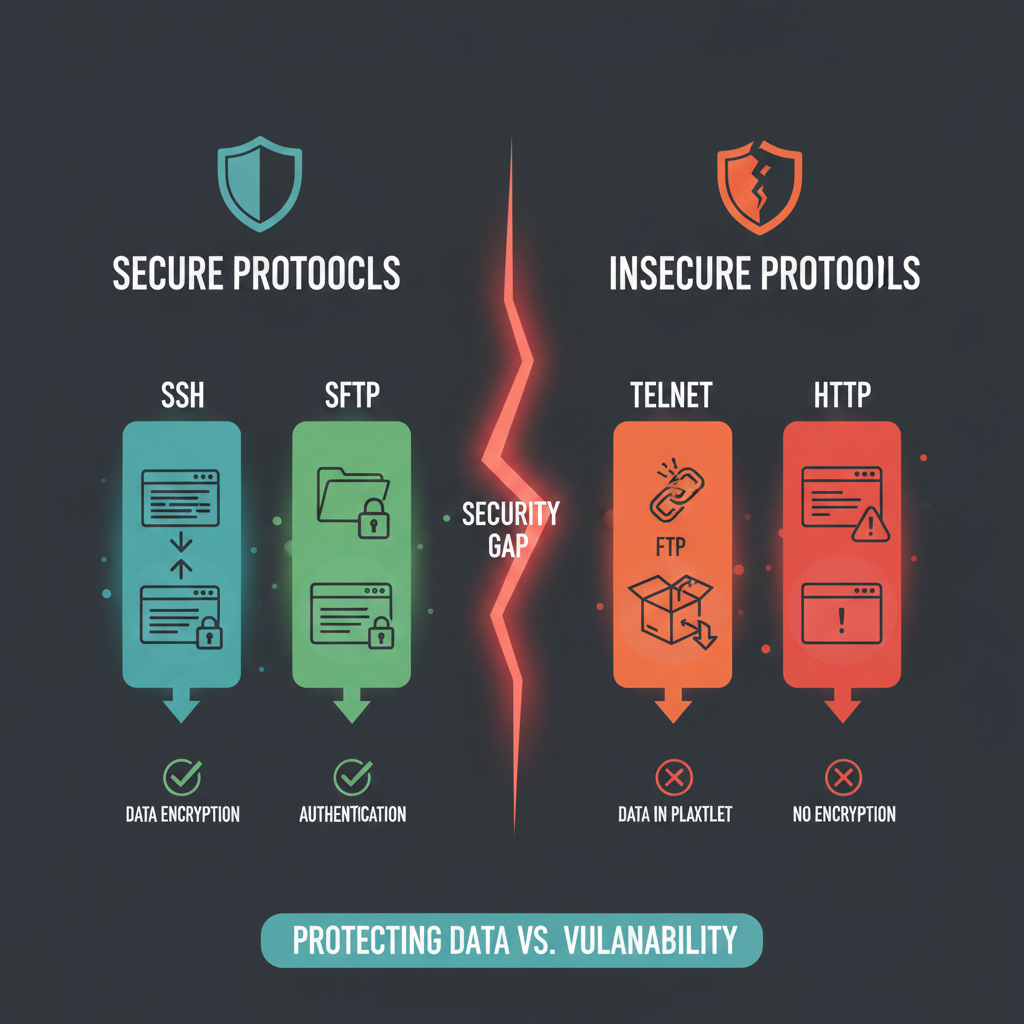
Hardening Enterprise Communications: SSH, SFTP, and HTTPS in 2026
Secure communication protocols eliminate the risk of plain-text data interception by establishing encrypted tunnels across untrusted networks. Administrators use SSH, SFTP, and HTTPS to protect credentials, secure file transfers, and authenticate web traffic against eavesdropping and man-in-the-middle attacks.
-
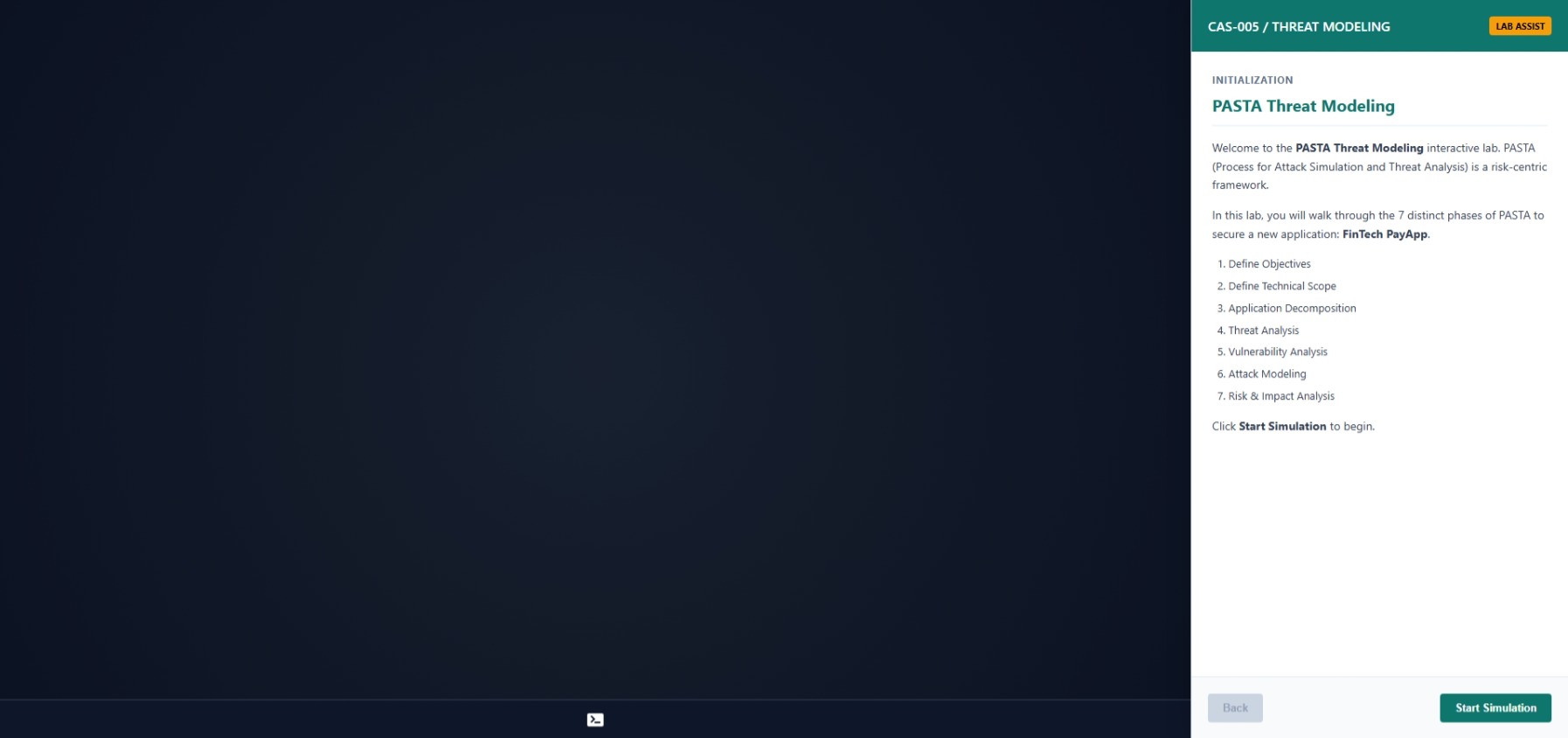
Lab: Conducting a 7-Step PASTA Threat Modeling Session
The PASTA (Process for Attack Simulation and Threat Analysis) framework systematically aligns business objectives with technical risk mitigation. Security teams execute this 7-step process to identify, model, and neutralize critical threats before adversaries exploit them.
-
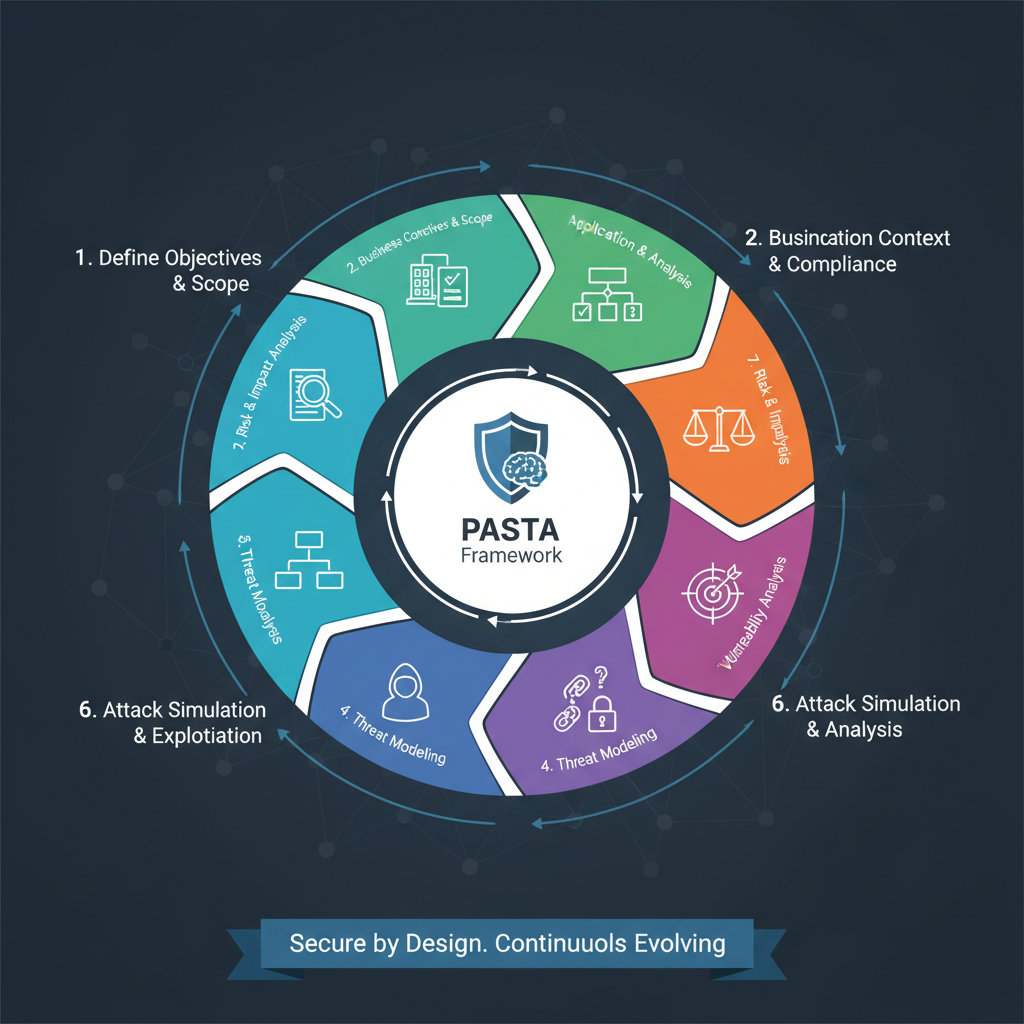
Why PASTA is the Ultimate Risk-Centric Threat Modeling Methodology
The Process for Attack Simulation and Threat Analysis (PASTA) framework integrates business objectives with technical requirements to quantify and mitigate cybersecurity risks. Unlike developer-focused models, PASTA forces security teams to view the network through the eyes of an attacker while prioritizing high-value business assets.